Guilds


< Metin2Wiki < Guilds
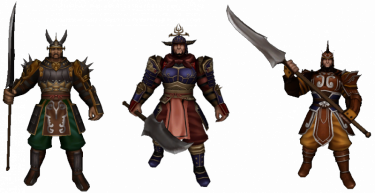
The Guardian can create guilds
Contents
General and setup
Guild Logo
| The leader of a guild can upload a guild logo (also guild characters) once the guild reaches level at least 3 is. It will then appear left of the guild name. You can either one of the preset 100 logo (shown right and below) use or your create a own logo (eg color). It must the size 16x12 pixels and the ending .jpg, .gif or .bmp have. |

|
 | |
Transparent Guild Logo


Leveling up

Benefits of leveling up
Guild messages
Member list
Permissions

Guild War
Guild Skills



